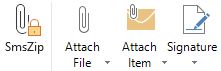
SmsZip
add-in
Outlook
Encrypting
made easy
Attachements
- Organize
- Compress
- Encrypt
- Send SMS

Technology that works in the background
Pack & Organize
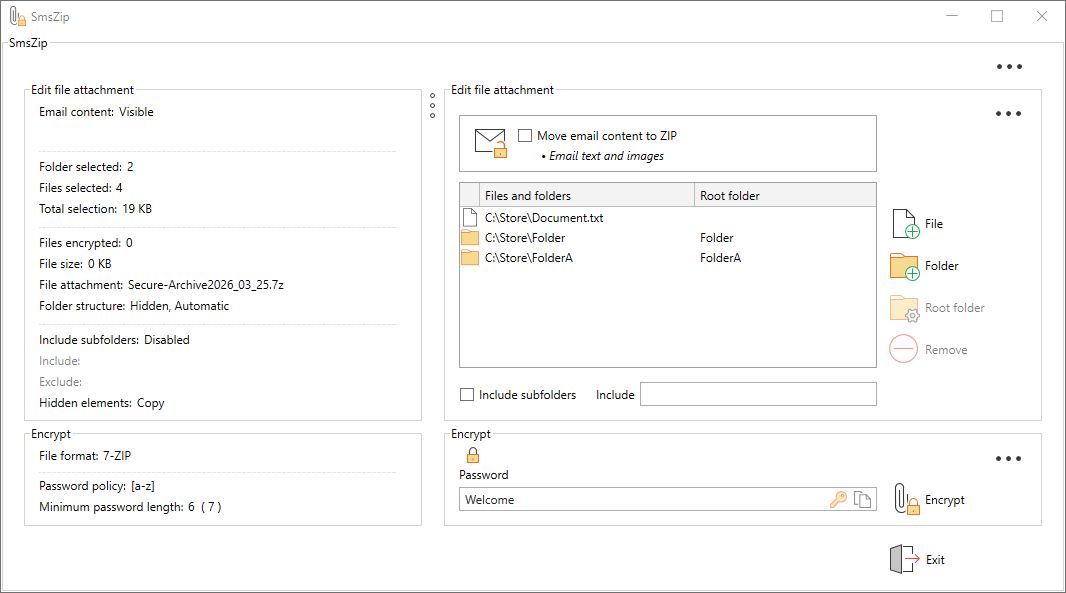
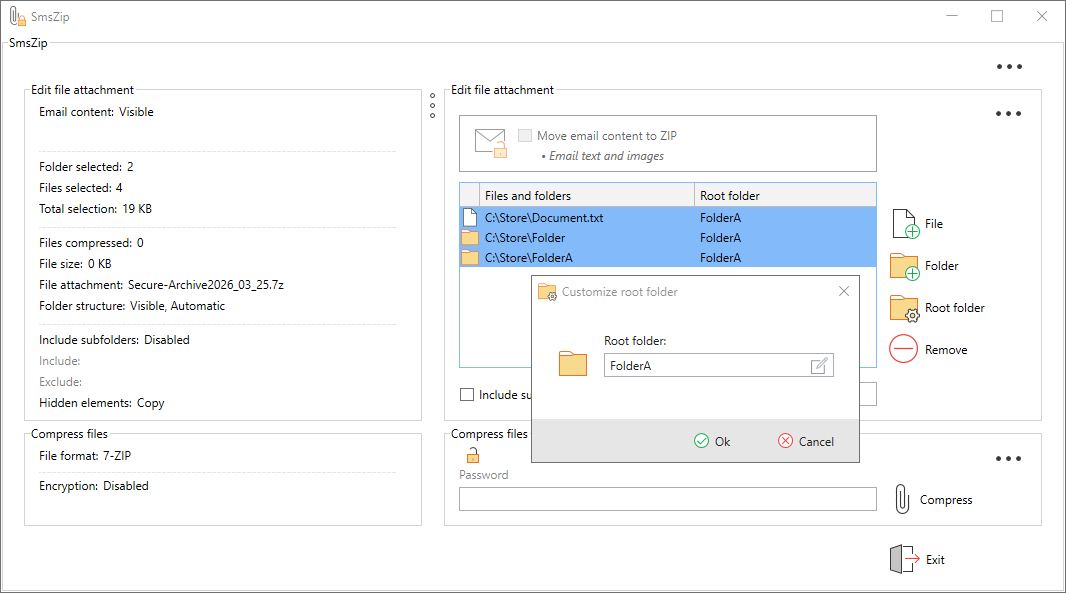
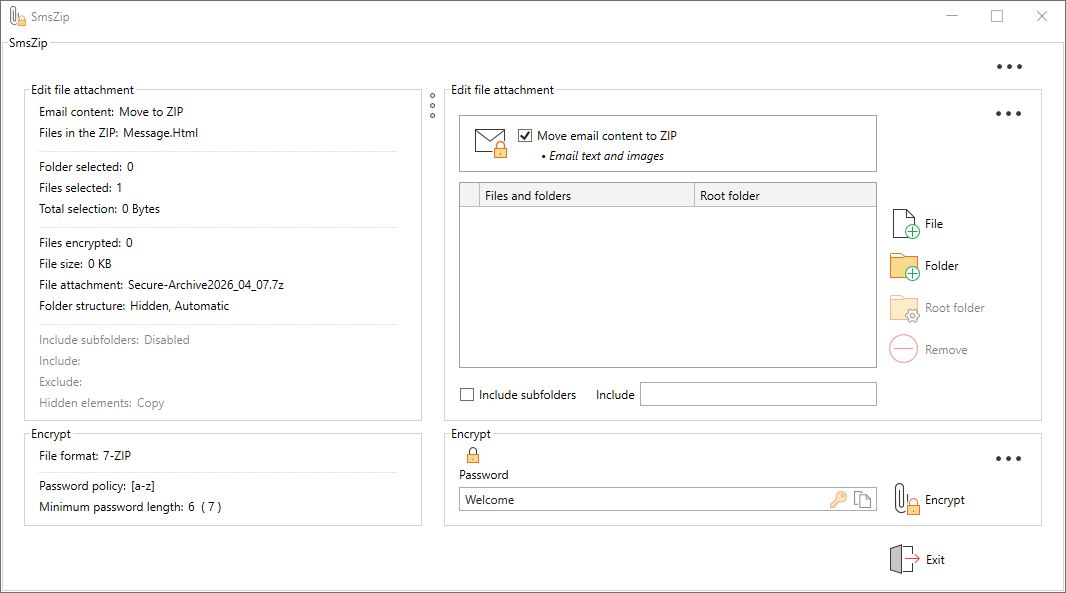
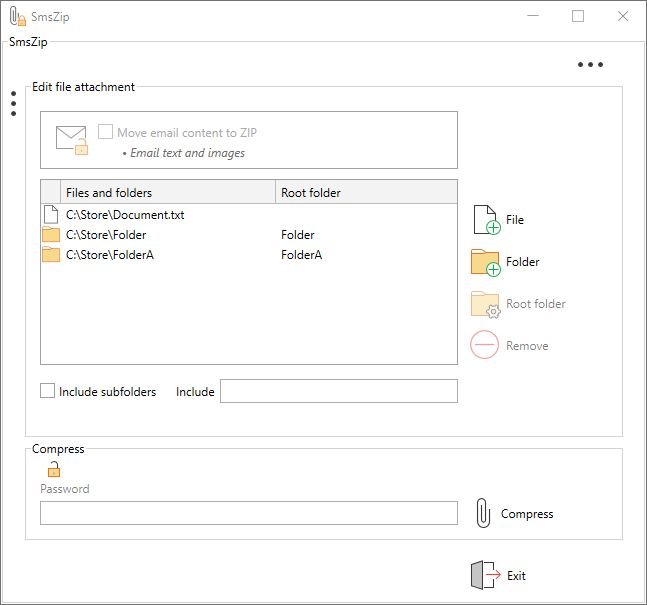
- Create ZIP, ZIPX or 7‑Zip archives directly in Outlook.
- Add files and folders with one click.
- Merge files from different locations into a single archive.
Smart Encryption
- Secure ZIP, ZIPX or 7‑Zip archives.
- Automatically encrypt attachments while packing.
- All encryption is performed locally with AES‑256.
- Optional when used for file‑management only.
Mail‑to‑
Attachment Conversion
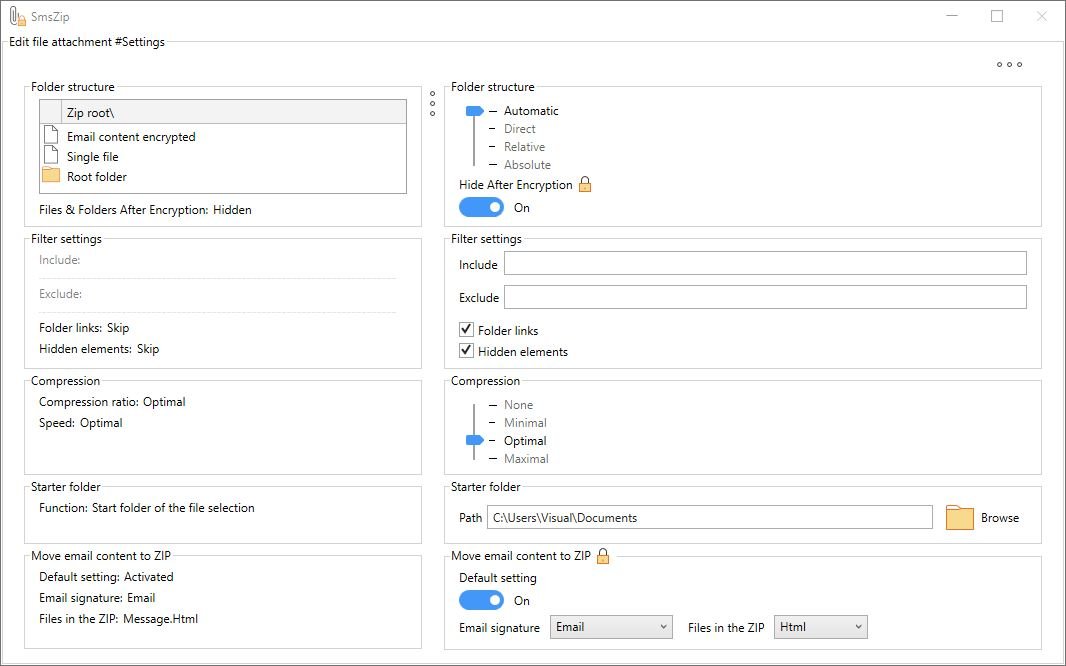
- Optionally, text and images are automatically moved to a securely encrypted attachment.
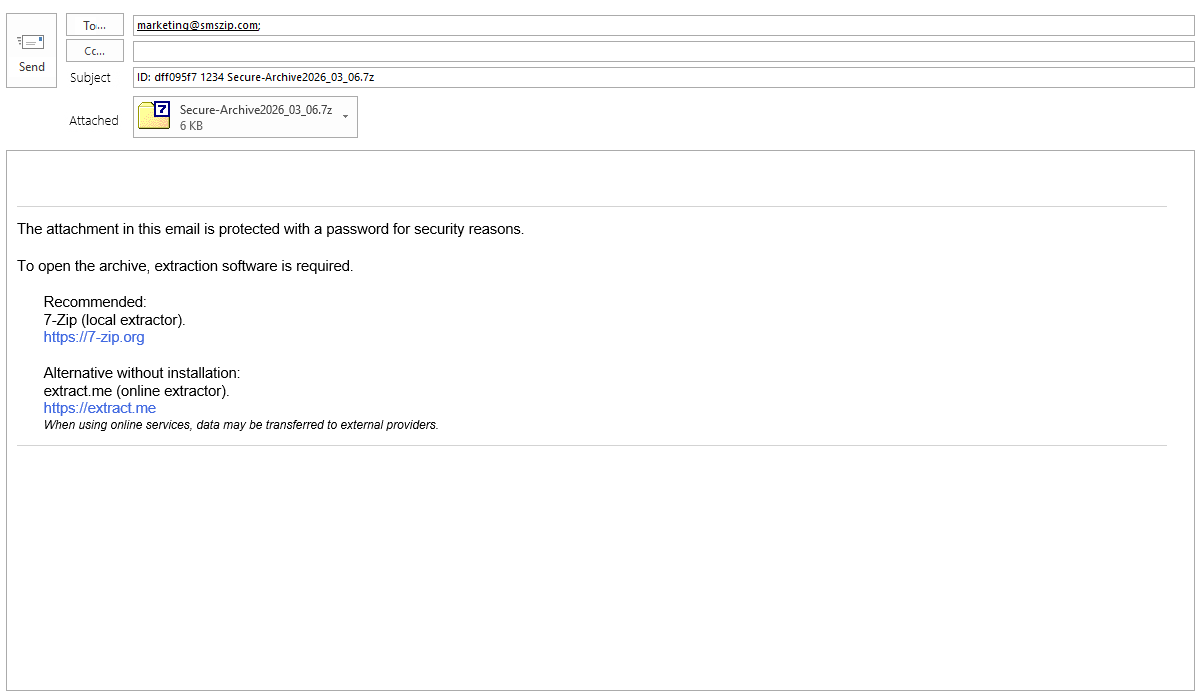
- The original email is emptied and replaced with a professional, customizable signature that discreetly informs the recipient about the protected content.
Smart Companion Signature
- Automatically inserts a companion signature whenever encryption is used, fully customizable through the integrated editor.
- Supports smart keywords that dynamically place information such as file names, SMS delivery status, or password IDs into the email text, subject line, or file name.
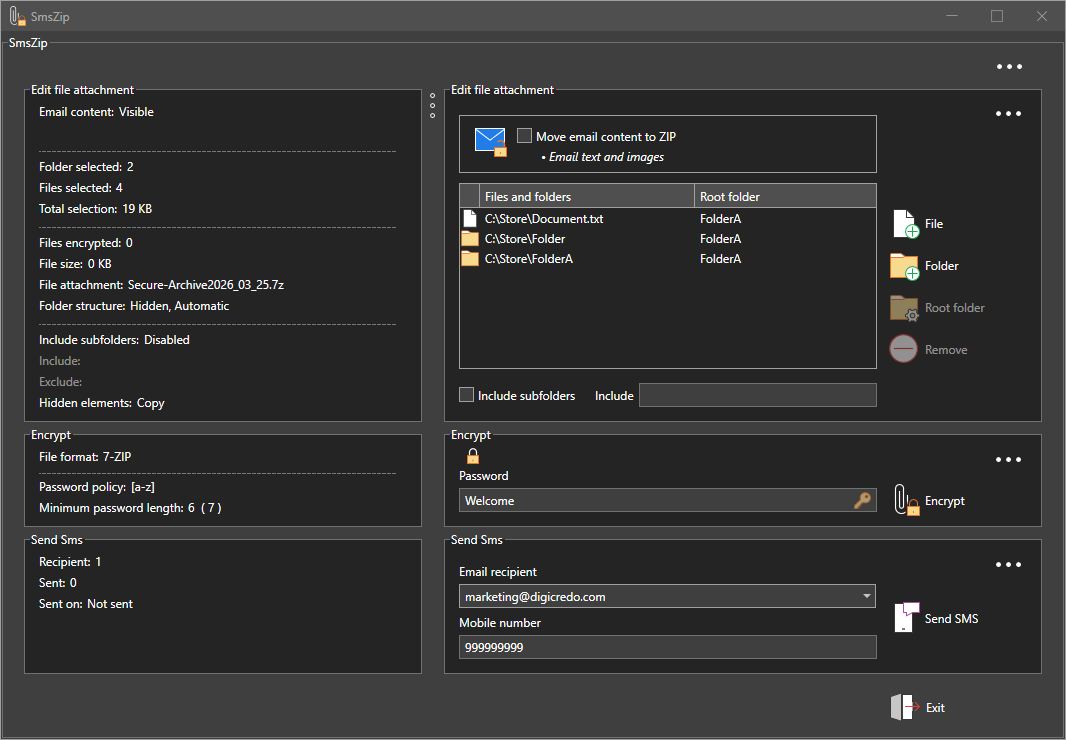
Password via SMS
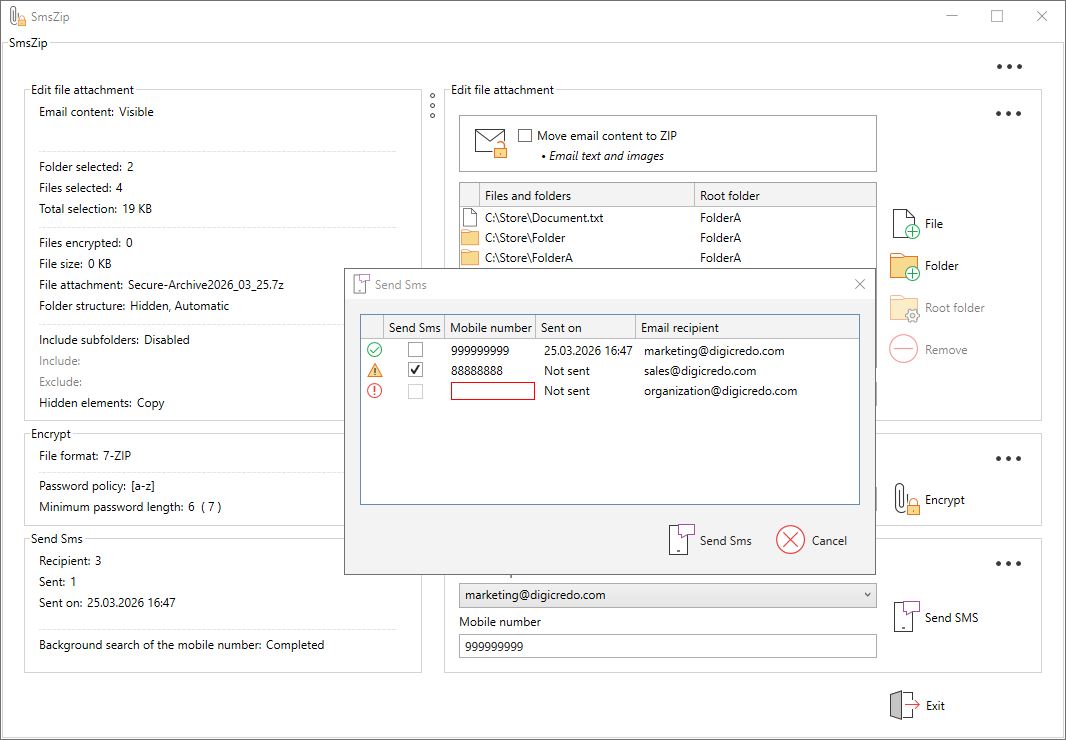
- SmsZip indicates that the password should be sent once via SMS.
- Follow‑up emails to the same recipient can reuse the same password — without sending another SMS.
Flexible SMS Integration
- The most important SMS providers are pre‑configured.
- Additional providers can be added via the registry.
- Immediate use with the default provider by simply purchasing an SMS credit package — no registration required.
CC Encryption
- Each CC recipient technically receives their own individually encrypted copy.
- To the recipient it appears as a normal CC — but in reality, these are separate, independently secured deliveries.
Smart Key Management
- Encrypted storage of passwords directly in the Outlook contact or, alternatively, in the central Exchange address book.
- No plaintext storage at any time to ensure maximum security.
- Stored passwords can be viewed securely whenever needed.
Enterprise Ready
- Terminal Server compatible.
- Centralized policy and rights management via the registry.
- Compliance‑ready for enterprise deployment.
Zero Learning Curve
- Installation in under 60 seconds – simple and quick to complete.
- Designed so intuitively that no manual is required.
- Productive from the very first use.
Your Benefits with SmsZip
- Local encryption
- Password sent once via SMS
- Mail‑to‑attachment conversion
- One‑time license — no subscription
- Zero onboarding time
- Seamless workflow
Who SmsZip Is Built For
- Organizations with an Outlook‑based infrastructure
- Law firms and tax advisors
- Healthcare providers and social institutions
- Project‑driven and consulting companies
- Public administrations and government agencies
- Departments handling sensitive or confidential documents
Screenshots