SmsZip™
add-in
Outlook
Encrypting
made easy
Attachements
- Organize
- Compress
- Encrypt
- Send SMS

Technology that works in the background
Pack & Organize
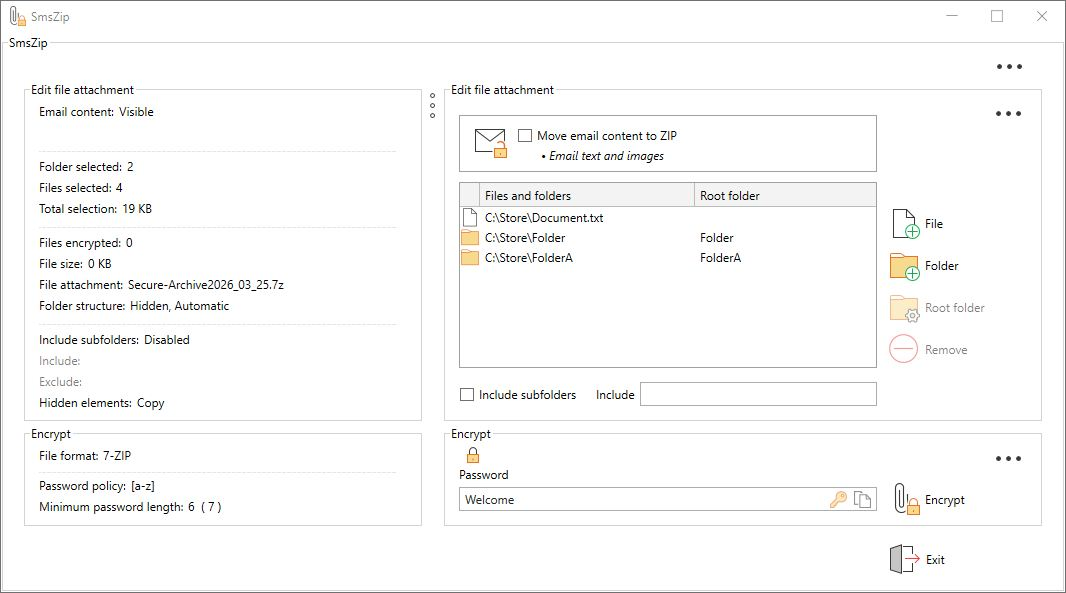
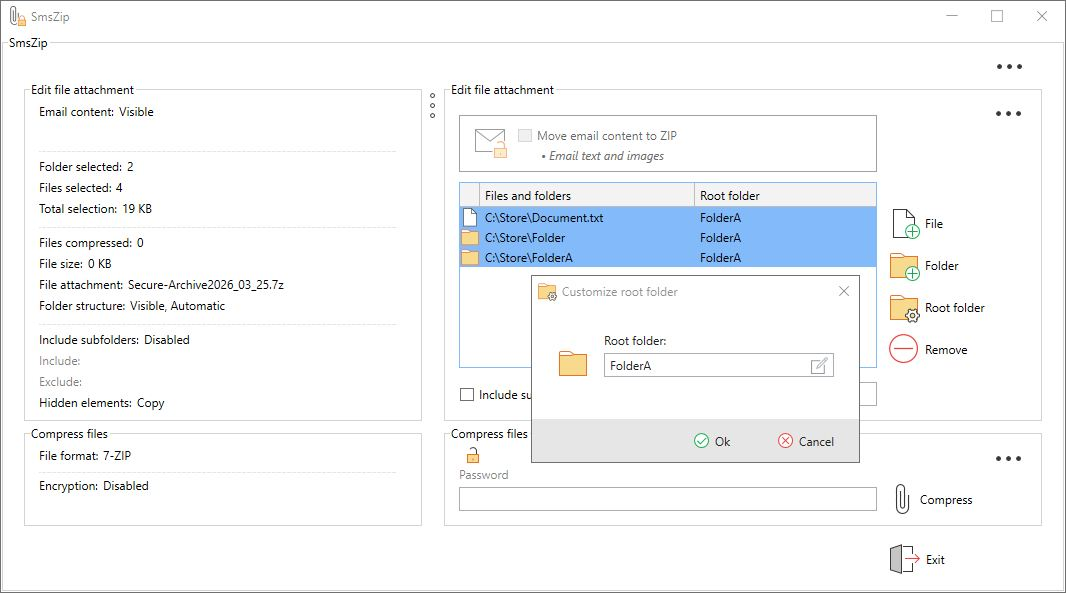
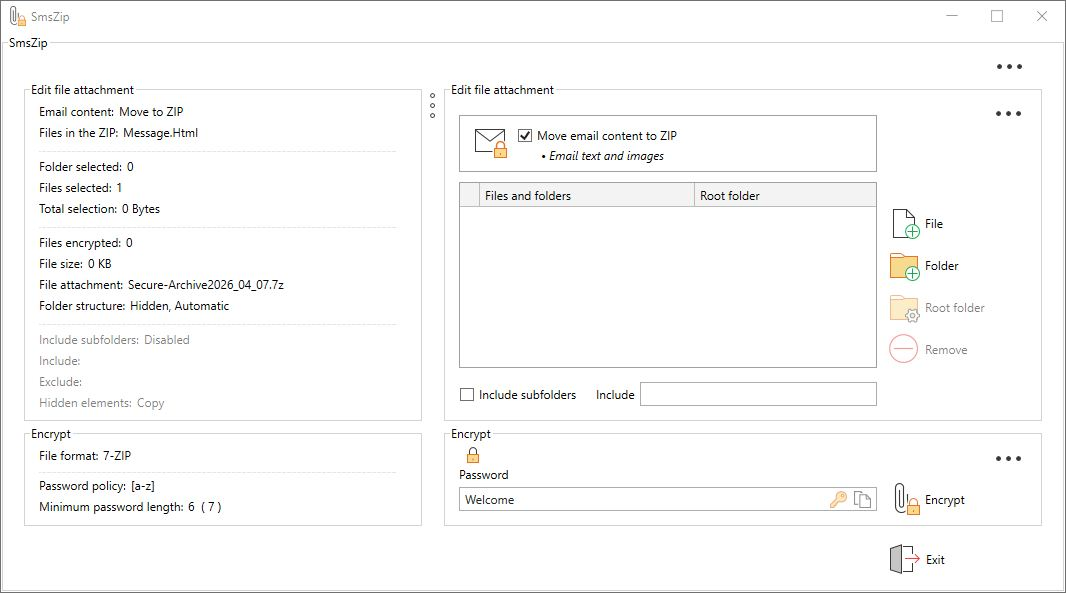
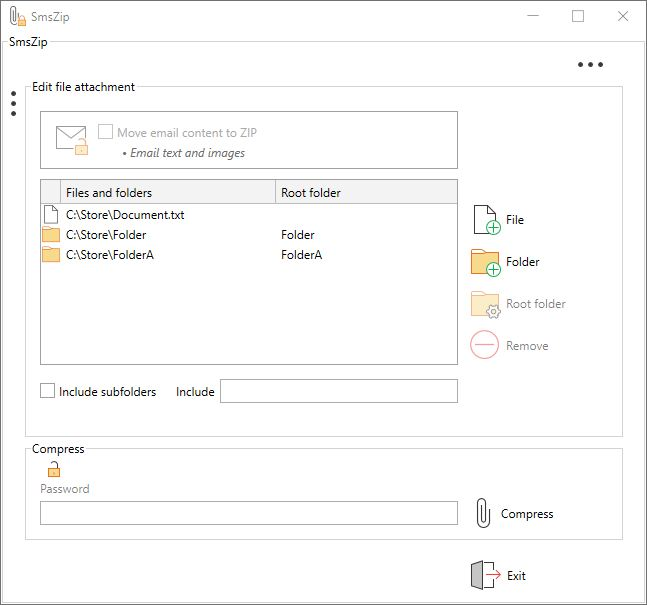
- Create ZIP, ZIPX or 7‑Zip archives directly in Outlook.
- Add files and folders with one click.
- Merge files from different locations into a single archive.
Smart Encryption
- Secure ZIP, ZIPX or 7‑Zip archives.
- Automatically encrypt attachments while packing.
- All encryption is performed locally with AES‑256.
- Optional when used for file‑management only.
Mail‑to‑
Attachment Conversion
- Optionally, text and images are automatically moved to a securely encrypted attachment.
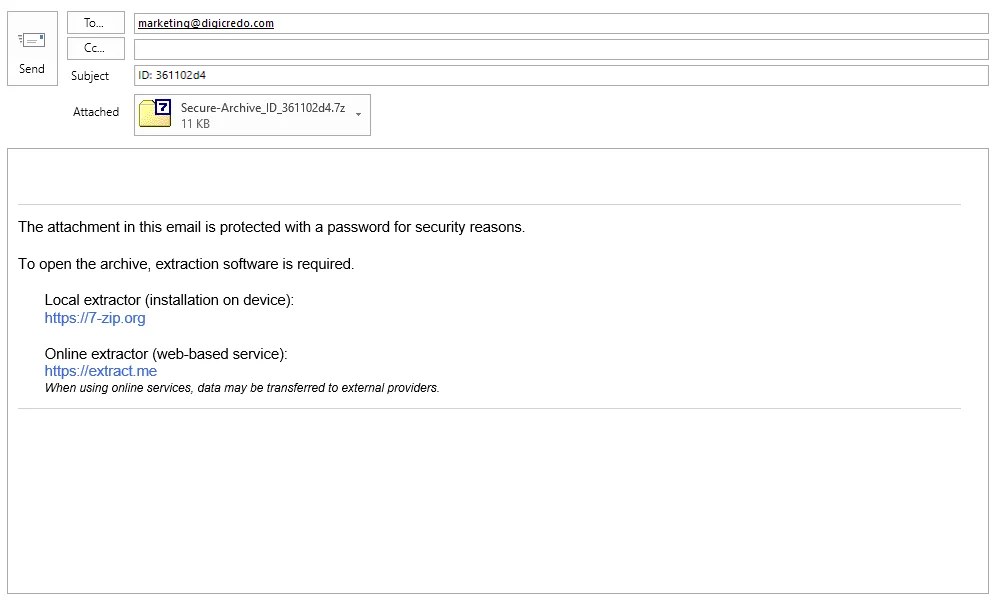
- The original email is emptied and replaced with a professional, customizable signature that discreetly informs the recipient about the protected content.
Smart Companion Signature
- Automatically inserts a companion signature whenever encryption is used, fully customizable through the integrated editor.
- Supports smart keywords that dynamically place information such as file names, SMS delivery status, or password IDs into the email text, subject line, or file name.
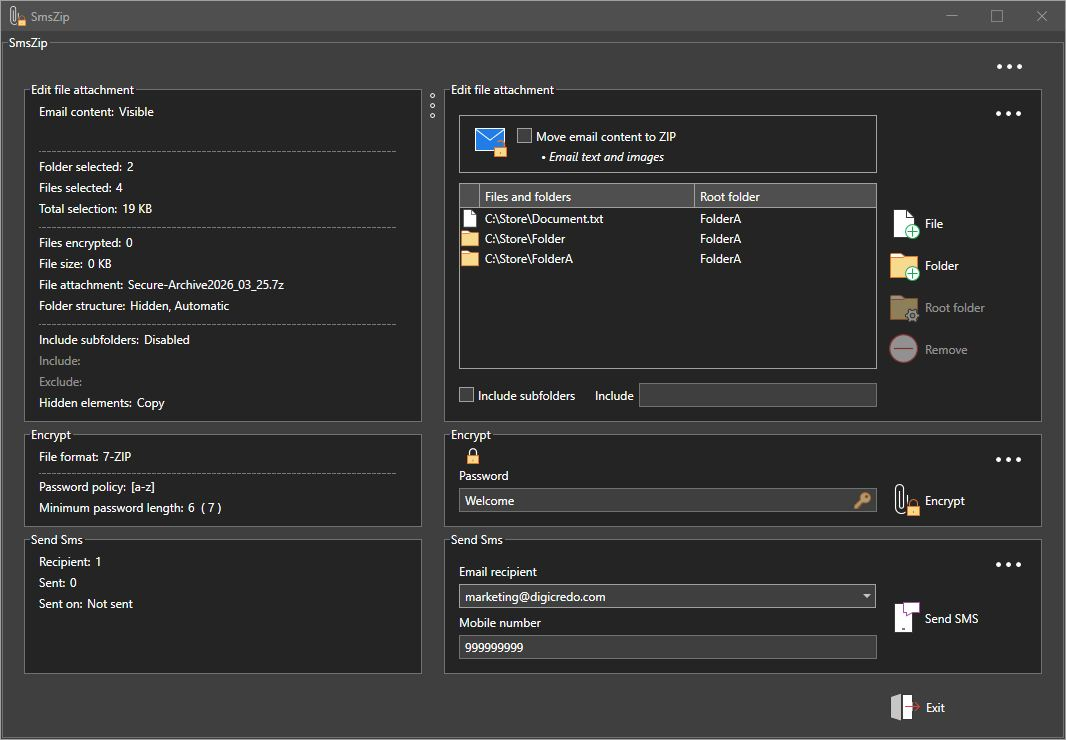
Password via SMS
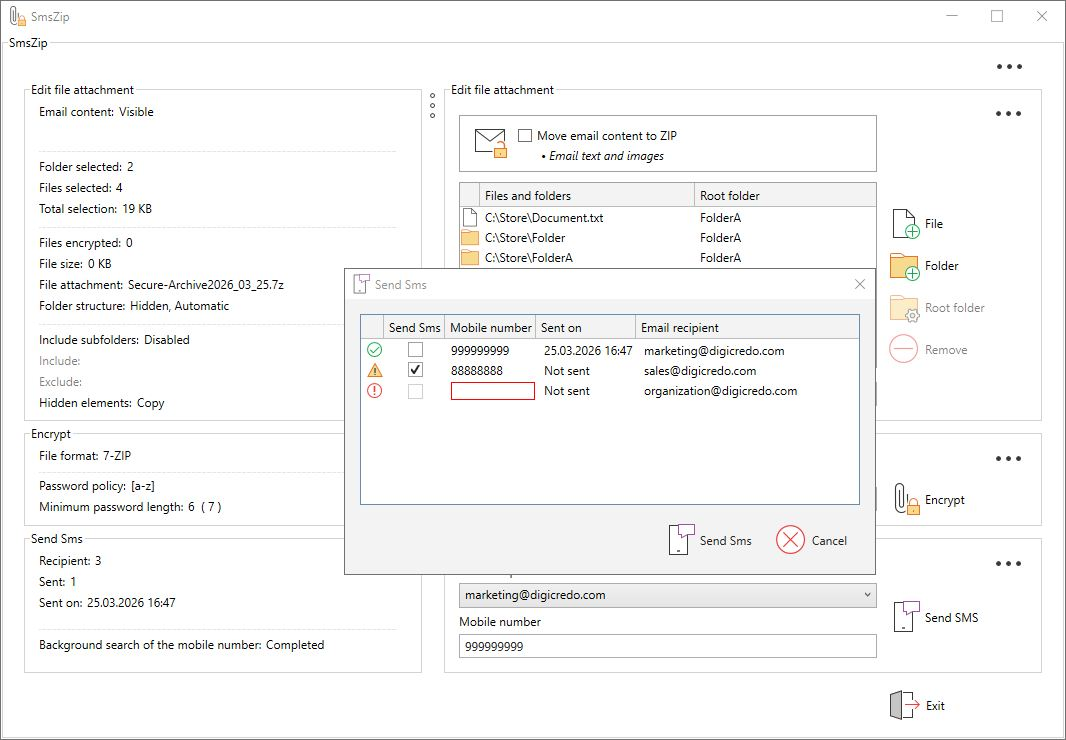
- SmsZip indicates that the password should be sent once via SMS.
- Follow‑up emails to the same recipient can reuse the same password — without sending another SMS.
Flexible SMS Integration
- The most important SMS providers are pre‑configured.
- Additional providers can be added via the registry.
- Immediate use with the default provider by simply purchasing an SMS credit package — no registration required.
CC Encryption
- Each CC recipient technically receives their own individually encrypted copy.
- To the recipient it appears as a normal CC — but in reality, these are separate, independently secured deliveries.
Smart Key Management
- Encrypted storage of passwords directly in the Outlook contact or, alternatively, in the central Exchange address book.
- No plaintext storage at any time to ensure maximum security.
- Stored passwords can be viewed securely whenever needed.
Enterprise Ready
- Terminal Server compatible.
- Centralized policy and rights management via the registry.
- Compliance‑ready for enterprise deployment.
Zero Learning Curve
- Installation in under 60 seconds – simple and quick to complete.
- Designed so intuitively that no manual is required.
- Productive from the very first use.
Your Benefits with SmsZip
- Local encryption
- Password sent once via SMS
- Mail‑to‑attachment conversion
- One‑time license — no subscription
- Zero onboarding time
- Seamless workflow
Who SmsZip Is Built For
- Organizations with an Outlook‑based infrastructure
- Law firms and tax advisors
- Healthcare providers and social institutions
- Project‑driven and consulting companies
- Public administrations and government agencies
- Departments handling sensitive or confidential documents
Frequently Asked Questions
Frequently Asked Questions
Does SmsZip upload any data to the cloud?
No. All processing happens locally on the user’s system.
Is an internet connection required?
Only for optional SMS password delivery. All other features work offline.
Are encrypted ZIP files compatible with standard tools?
Yes. SmsZip uses standard AES‑256 ZIP encryption.
Does SmsZip store or transmit passwords?
SmsZip does not send passwords to a server. Passwords are generated locally in Outlook and stored in encrypted form in the Outlook address book. SmsZip does not upload, synchronize, or store password data externally. When SMS delivery is enabled, the password is sent exclusively to the selected SMS provider.
Screenshots